Effects · Overlays
Object detection: the computer vision look
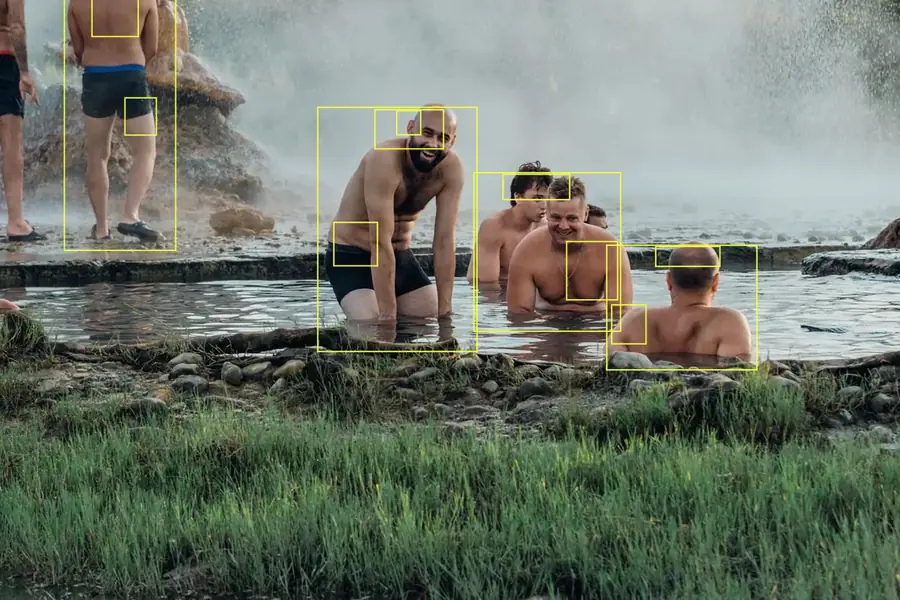
Detection automatically finds the people, cars, animals and objects in your photo with an AI model that runs in your browser, then frames them with labels, like a smart camera.
Open in Brandline
Free, no sign-up

How to do it
- 1
Upload your photo, or start from the sample image.
- 2
Run the detection, then adjust the frame color, sub-frames and labels. The Frames tool (D) lets you add your own.
- 3
Export as PNG, JPG or WebP, at full size or in Instagram formats (1:1, 4:5, 9:16).
Ideas
- Tech visuals
- Data-style posters
- Annotate an image