Effects · Tools
Brush: paint the heat
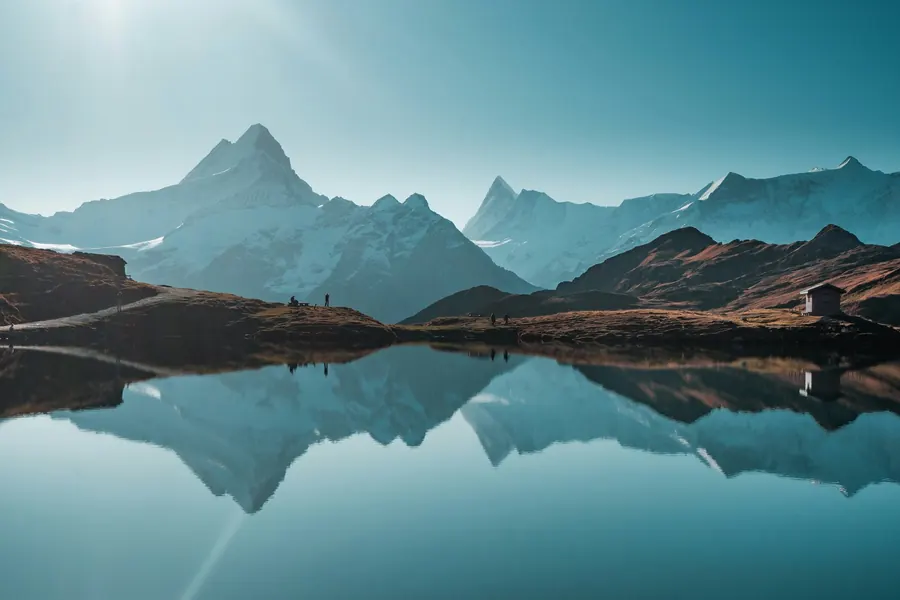
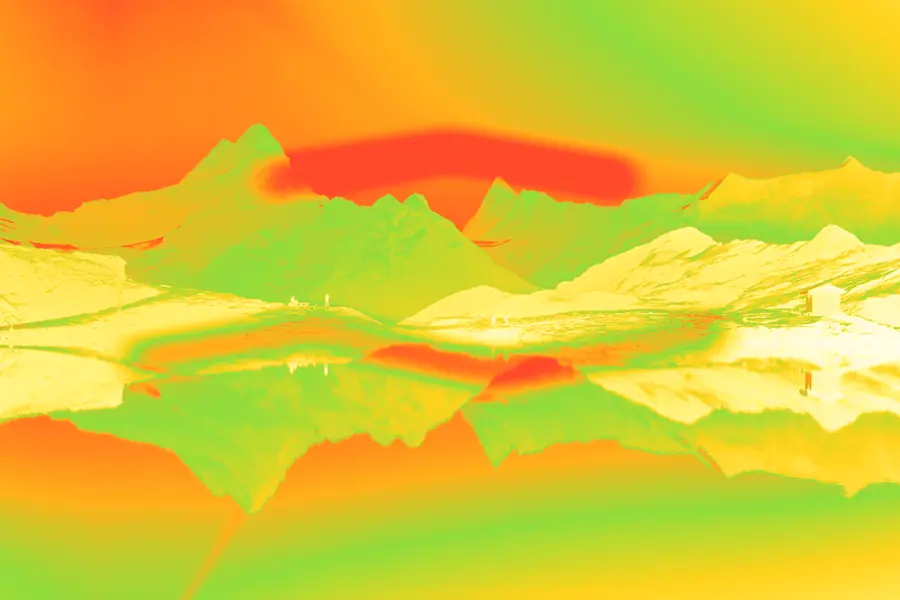
The brush works directly on the thermal effect: heat up or cool down areas by hand, paint a color over everything, or bring back the original photo with the eraser.
Open in Brandline
Free, no sign-up
How to do it
- 1
Upload your photo, or start from the sample image.
- 2
Choose the mode (heat, cool, color or eraser), size and strength, then paint (shortcut B).
- 3
Export as PNG, JPG or WebP, at full size or in Instagram formats (1:1, 4:5, 9:16).
Ideas
- Make a subject stand out
- Fix an area
- Create one-of-a-kind visuals by hand