Effects · Textures
Add film grain to a photo
Grain gives a digital image the texture of film. It shows most in the midtones, just like real film stock.
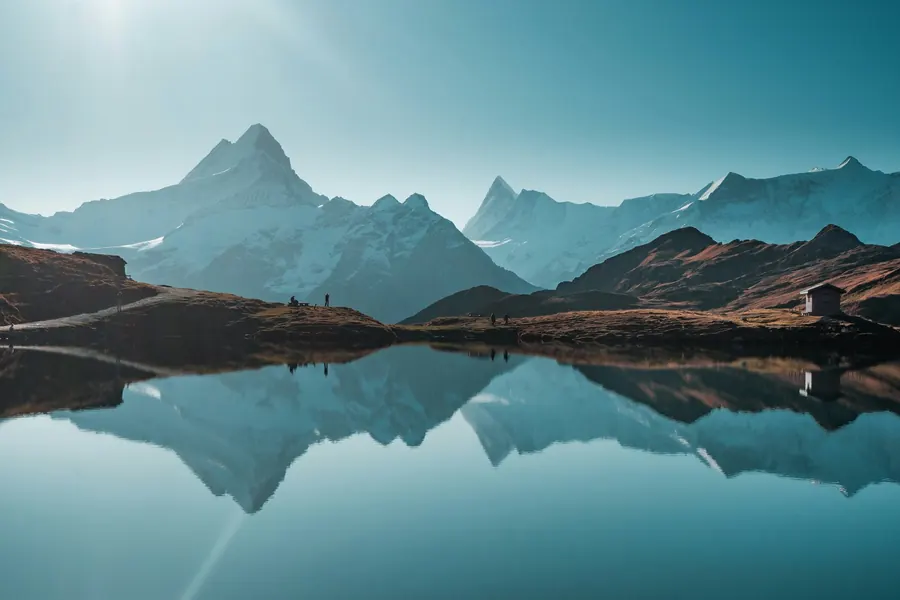
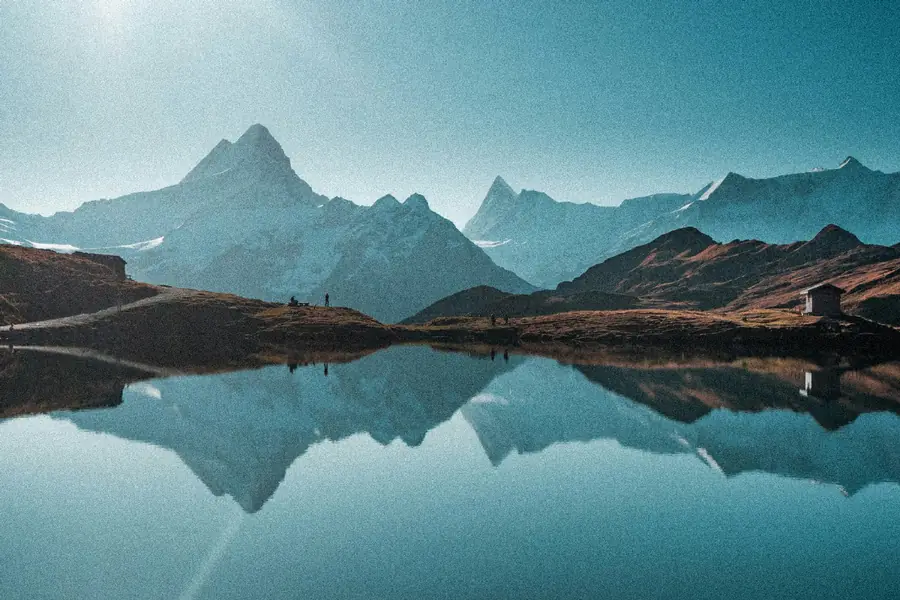
On other images
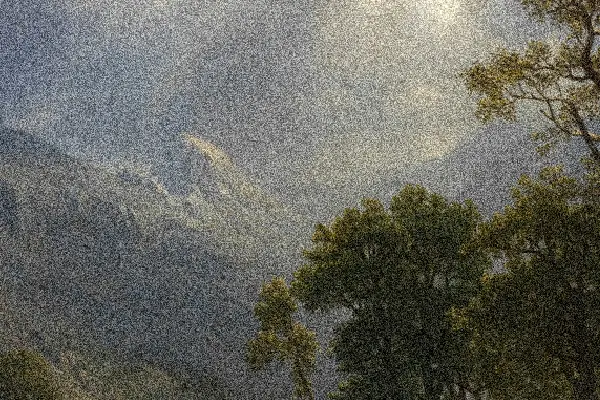
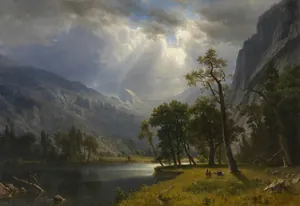
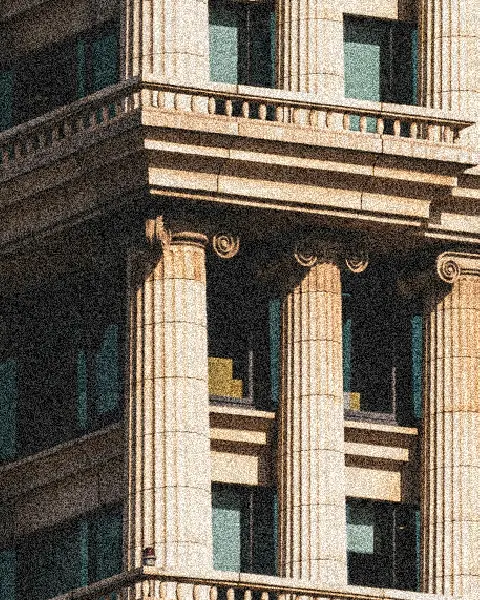
Painting: The Cleveland Museum of Art · Architecture: Vitalii Onyshchuk, via Unsplash
How to do it
- 1
Upload your photo, or start from the sample image.
- 2
Set the grain amount and size, choose color or monochrome, and where to apply it.
- 3
Export as PNG, JPG or WebP, at full size or in Instagram formats (1:1, 4:5, 9:16).
Ideas
- Analog film look
- Texture for posters and covers
- Add character to a visual that feels too clean
FAQ
Does the grain look the same in the exported file?
Yes: it's locked to your image's pixels, so the preview and the export look exactly the same.
Is it free?
Yes. Brandline is free, with no sign-up and no watermark on your images.
Is my photo uploaded to a server?
No. Everything happens in your browser: your photo only leaves your device if you choose to publish it to the gallery.
What size can I export?
At full size, or at 2048 or 1080 px, as PNG, JPG or WebP. Instagram formats (1:1, 4:5, 9:16) are ready to use.
Does it work on mobile?
Yes, Brandline runs in your phone's browser, with no app to install.